Isolated sessions
Open the same site many times, each with its own account.
SessionDeck for Firefox · v0.1.0
Open the same website as many times as you need, in genuinely isolated sessions.
SessionDeck uses Firefox Containers to keep each identity's accounts, cookies, and context in its own space.
Free · Open source · Built for people who juggle contexts
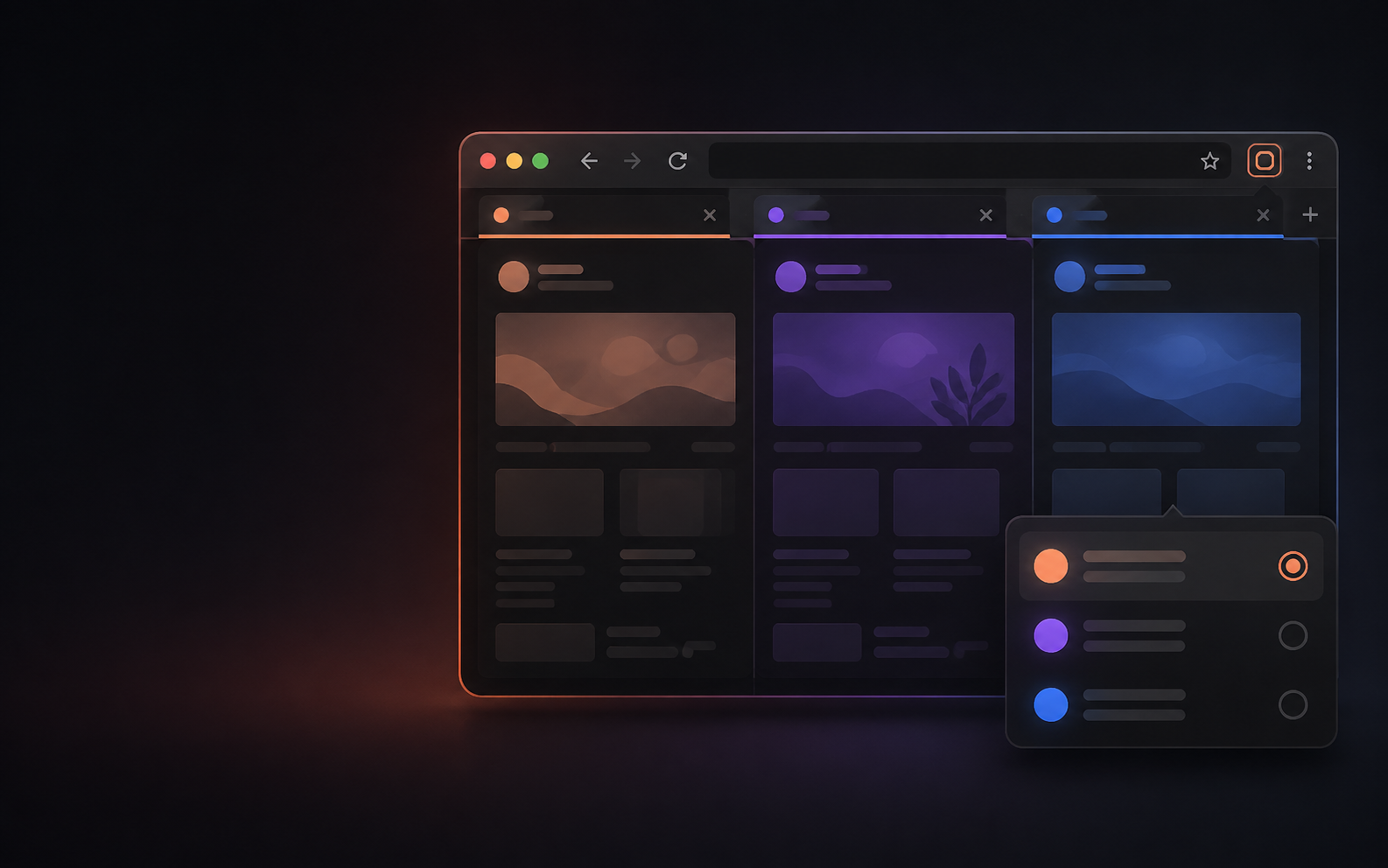
Open the same site many times, each with its own account.
Native Firefox Containers keep your data on your computer.
Create, open, rename, and recover sessions in a few clicks.
Useful for work, personal projects, and parallel accounts.
How it works
Create your contexts in seconds and browse without clutter.
Give it a name and URL.
Always enter through the same container.
Each session keeps its own login.
Your session desk
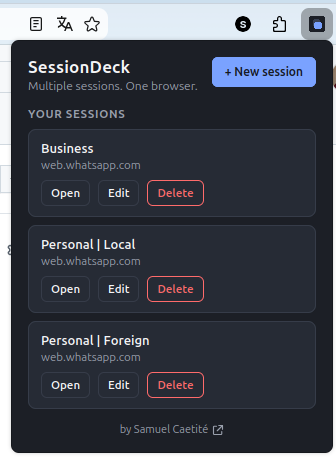
A session is a name, a URL, and a reference to its container. Everything else remains where it belongs, in Firefox and the website you opened.
Privacy without theater
SessionDeck does not read or transmit cookies, passwords, tokens, or page content.
Learn about privacy →SessionDeck for Firefox · v0.1.0
SessionDeck for Firefox is available on Firefox Add-ons, with open source code for you to inspect.